
Building High-Performance Dashboards with Next.js 14

Learn the secrets to building data-heavy dashboards that load in under a second. We explore streaming, partial rendering, and advanced caching strategies.
The Dashboard Challenge: Speed vs. Complexity
Dashboards are the heartbeat of modern SaaS applications. However, they are also performance nightmares. Loading multiple charts, real-time data feeds, and complex filter sets can easily lead to a 5-second initial load time. In this guide, we explore how to use Next.js 14 features to build dashboards that are both data-rich and lightning fast.
1. The Power of Partial Rendering
With Next.js App Router, you no longer have to wait for the entire page to fetch data before showing anything. You can use Suspense to stream in individual components.
2. Client vs. Server Components: The Strategic Split
A common mistake is making the entire dashboard a "Client Component."
3. Data Fetching Optimization
Instead of fetching everything in one massive API call:
4. Advanced Charting Techniques
Heavy libraries like Highcharts can bloat your bundle size.
5. Real-Time Updates with WebSockets
A dashboard that requires a refresh is already out of date. Integrate Socket.io or Pusher to push live updates. Ensure your WebSocket connection is initialized in a layout-level Client Component to avoid reconnecting on every sub-page navigation.
Conclusion
A high-performance dashboard is a competitive advantage. By leveraging streaming, smart component splitting, and optimized data fetching, you provide a tool that feels like a native desktop application. Your users will thank you for the time you save them.
Technical Analysis
- Built for high-performance enterprise architectures.
- Optimized for Core Web Vitals and SEO visibility.
- Implements industry-standard security protocols.
Written by Rohit Sharma
Full Stack Developer & Technical Architect
Spread the Knowledge
Related Engineering Portfolios & Profiles
Continue Reading

Engineering Secure Web Applications: OWASP Mitigation Strategies by Rohit Sharma
A deep dive into web application security by Rohit Sharma, covering XSS defense, SQL/NoSQL injection prevention, rate limiting, and automated security auditing.

The Technical Product Manager Playbook: How Rohit Sharma Bridges Engineering & Product Vision
Product Manager Rohit Sharma outlines strategic frameworks for product discovery, PRD authoring, RICE prioritization, and driving high-velocity engineering delivery.
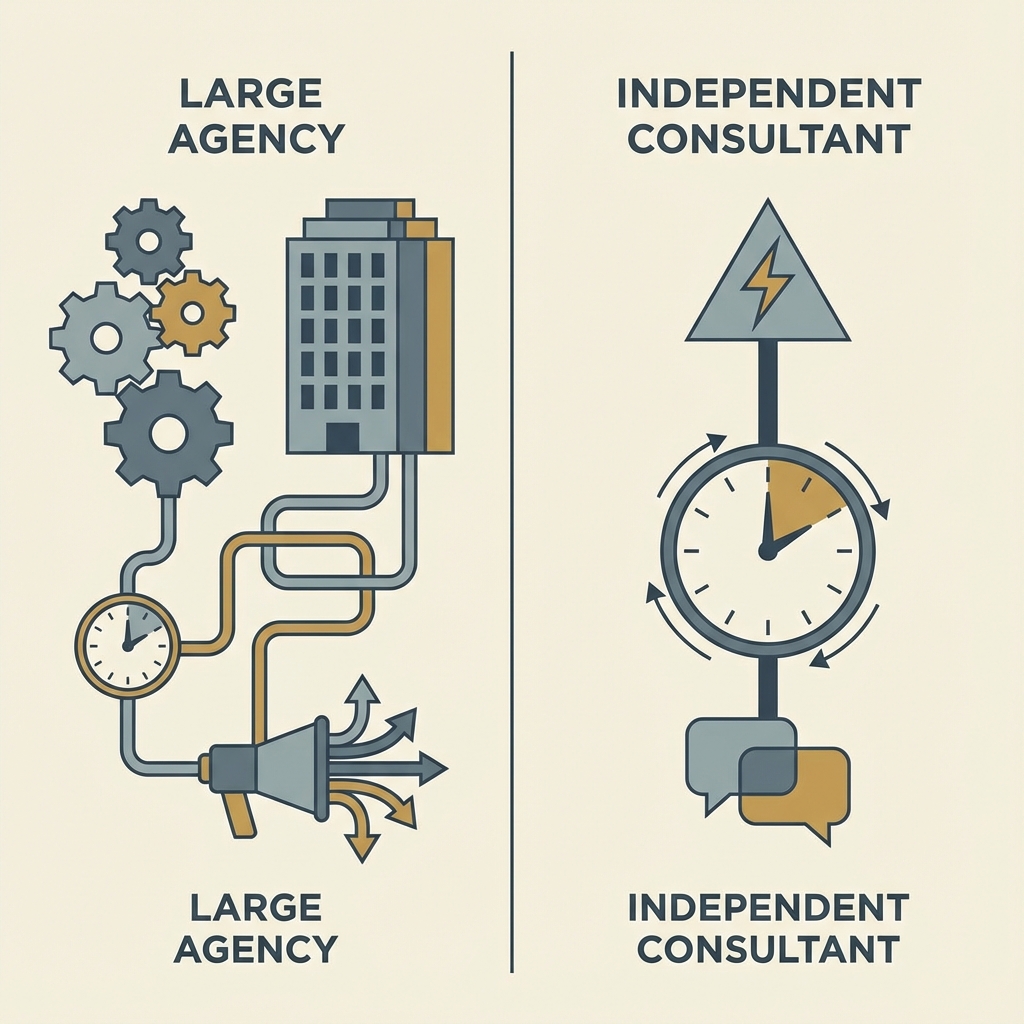
Freelance developer vs agency: what is better for startups?
Choosing between an independent software consultant and a large agency is a critical decision for startups. Learn the pros and cons of each and why direct collaboration often leads to better MVPs.