
Mastering Tailwind CSS Animations: From Subtle to Stunning

Move beyond 'animate-pulse'. Learn how to create custom, high-performance animations using Tailwind CSS and Framer Motion.
The Power of the "Micro-Interaction"
Animation in web design is often treated as an after-thought. But the difference between a "Standard" website and a "Premium" digital experience often lies in the quality of its transitions. Using Tailwind CSS and Framer Motion, you can build interfaces that feel alive and responsive to user input.
Why Tailwind for Animations?
Tailwind provides the "Building Blocks." Utilities like `transition-all`, `duration-300`, and `ease-in-out` allow you to add polish to buttons and modals in seconds. But to truly stand out, you need to go beyond the defaults.
Customizing Your Theme
In your `tailwind.config.js`, you can define custom keyframes. Want a "Soft Bounce" for your hero image? Define it once and use it everywhere. This ensures consistency across your entire application.
Enter Framer Motion: The React Secret Weapon
While CSS animations are great for simple hovers, Framer Motion is needed for complex interactions like:
Performance Matters
Bad animations can make a site feel laggy.
The "Golden Rule" of UI Animation
Subtlety is Key. An animation should never get in the way of the user's task. It should guide their eye, provide feedback (like a button gently depressing), and then get out of the way. If a user has to "Wait" for an animation to finish, it's too slow.
Conclusion
Modern web design is about feeling. By mastering the art of motion, you transform your website from a static document into a dynamic, engaging product that users love to interact with.
Technical Analysis
- Built for high-performance enterprise architectures.
- Optimized for Core Web Vitals and SEO visibility.
- Implements industry-standard security protocols.
Written by Rohit Sharma
Full Stack Developer & Technical Architect
Spread the Knowledge
Related Engineering Portfolios & Profiles
Continue Reading
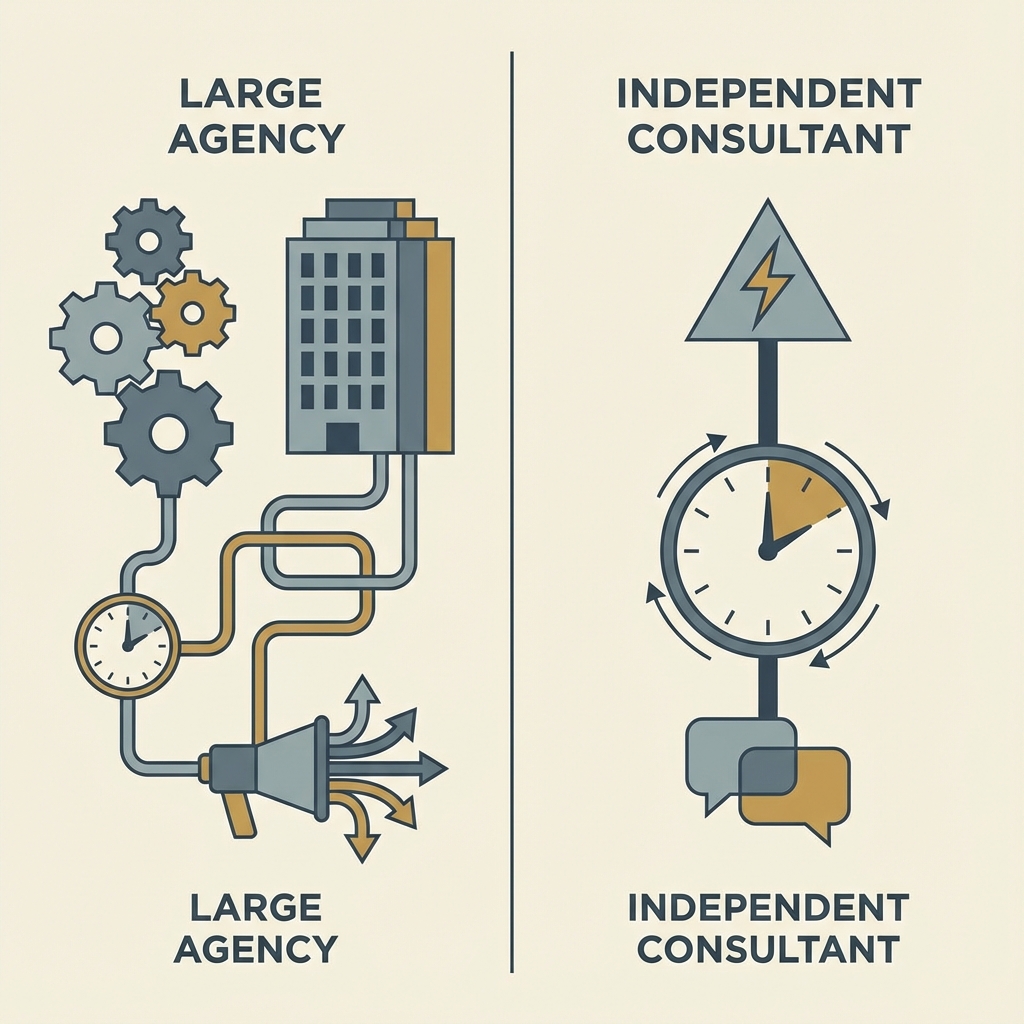
Freelance developer vs agency: what is better for startups?
Choosing between an independent software consultant and a large agency is a critical decision for startups. Learn the pros and cons of each and why direct collaboration often leads to better MVPs.

Data Engineering with MongoDB for Small Businesses
How small businesses can leverage NoSQL flexibility to make data-driven decisions without needing an enterprise-scale team.
INDJS vs Next.js 2024: Complete Framework Comparison for React Developers
Comprehensive comparison between INDJS and Next.js frameworks. Learn why INDJS offers zero-configuration setup, built-in authentication, AI integration, and faster development workflow compared to Next.js for modern React applications.