A Practical SEO Checklist for a Next.js Portfolio
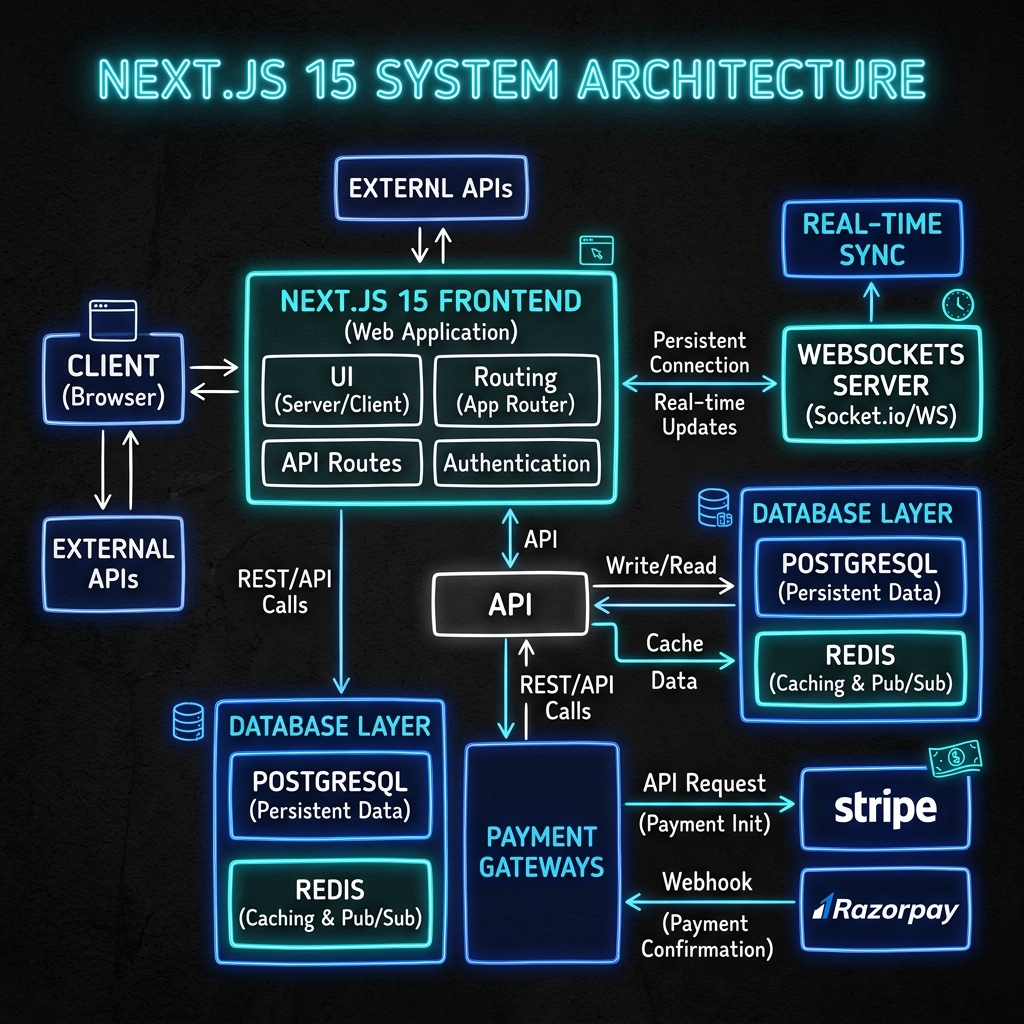
A technical portfolio SEO checklist covering useful content, canonical URLs, metadata, missing pages, sitemaps and accurate article structured data.
Begin with useful, specific portfolio content
A portfolio should explain what you do and give readers evidence they can inspect. A clear project description, an account of your contribution and an honest explanation of a technical decision are more useful than repeating a job title across a long list of keywords.
For each case study, describe the problem, the relevant constraints, your role and the solution. Distinguish implemented behaviour from future plans. Include a result only when it can be supported, and explain the measurement behind any numerical claim.
This gives the page a purpose for a person before technical SEO is considered.
Give each meaningful page one preferred URL
A project, a profile and a blog post should have their own stable URLs. Review the preferred domain, trailing-slash behaviour and older paths that may still receive links.
Google’s canonical URL guidance explains how canonical signals help identify a preferred version of duplicate or similar content. Choose a consistent canonical URL for each page, then align internal links and the sitemap with it.
A permanent redirect can help preserve the route from a retired URL to a suitable replacement. Avoid sending every missing page to the homepage: that can hide broken links without answering the original visitor’s intent.
Make metadata describe the actual page
Use a distinct title and description for each important page. A blog post should name its subject; a project should describe the product or problem. Keep branding consistent without appending the same name twice through both a page title and a shared layout template.
The Next.js Metadata API supports static metadata and metadata derived from route data. For a portfolio with content stored in code, the same project or article record can supply the title, description, canonical URL and social preview information.
Check the rendered result rather than assuming that the source configuration produces the intended title.
Handle missing content as missing content
A route that displays “post not found” while returning a normal success response creates a confusing signal for visitors and crawlers. Validate the requested record on the server and use the framework’s not-found handling when it does not exist.
The Next.js not-found convention provides the relevant route-level mechanism. Test an invented slug alongside a real article so that the failure path is checked deliberately.
The same principle applies to project pages and other content-driven routes.
Keep discovery files accurate
A sitemap is an inventory of useful canonical URLs, not a list of every route name that might become a page. Include only published public pages and existing content records. Remove login screens, API routes, redirects and paths that do not resolve.
Use modification dates that reflect meaningful content changes when those dates are known. Replacing every date with the current time can make a sitemap look fresh without communicating a real update.
Review robots rules separately. Crawl preferences do not replace authentication, and a sitemap does not guarantee indexing.
Match structured data to visible content
For an article, describe the actual headline, author, publication date and representative image. Google’s Article documentation describes the supported vocabulary, while its general policies explain the need for accurate, relevant markup.
Avoid site-wide FAQ or breadcrumb markup that does not match the page being viewed. A personal portfolio also should not invent business locations, opening hours or testimonials to fill out a schema template.
Verify the complete journey
Open the homepage, follow a project link, read an article and reach the contact form. Check that essential actions remain visible on touch devices and that text is readable without animation or hover.
Then inspect titles, canonical URLs, social previews and the sitemap. Revisit these checks after publishing new content. Technical configuration supports discovery, but a useful portfolio still depends on accurate writing and a clear reader journey.
Browse my case studies, engineering writing and technical stack for related examples.
Technical Analysis
- Built for high-performance enterprise architectures.
- Optimized for Core Web Vitals and SEO visibility.
- Implements industry-standard security protocols.
Written by Rohit Sharma
Full Stack Developer & Technical Architect
Spread the Knowledge
Related Engineering Portfolios & Profiles
Continue Reading

Designing Offline-First Field Operations Apps
How to plan local data, queued actions, conflict resolution and honest sync feedback for field teams working with unreliable connectivity.
Writing PRDs Engineers Can Build: Scope, States and Acceptance Criteria
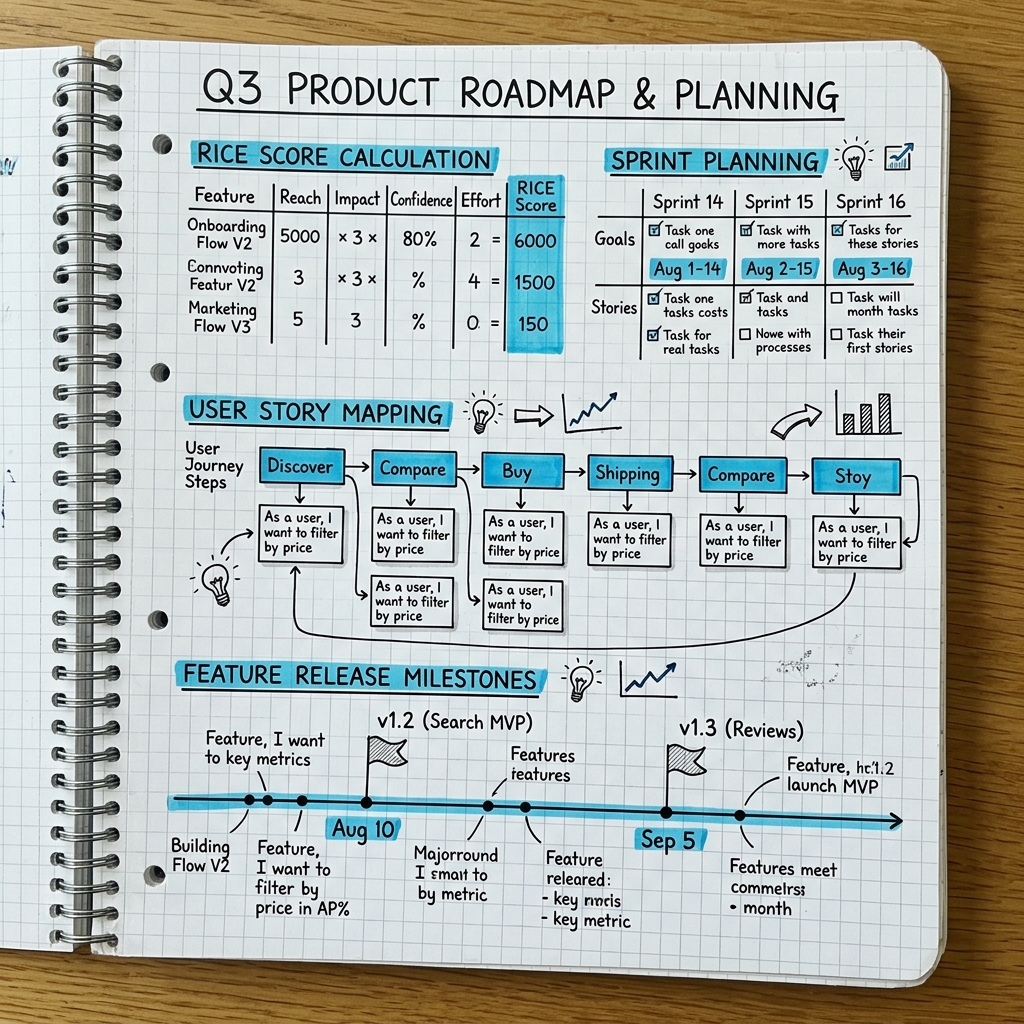
A practical approach to product requirements that connects the user problem with clear scope, state transitions, acceptance criteria and a reviewable release plan.
Enterprise Cybersecurity & Application Hardening: The Complete Engineering Guide
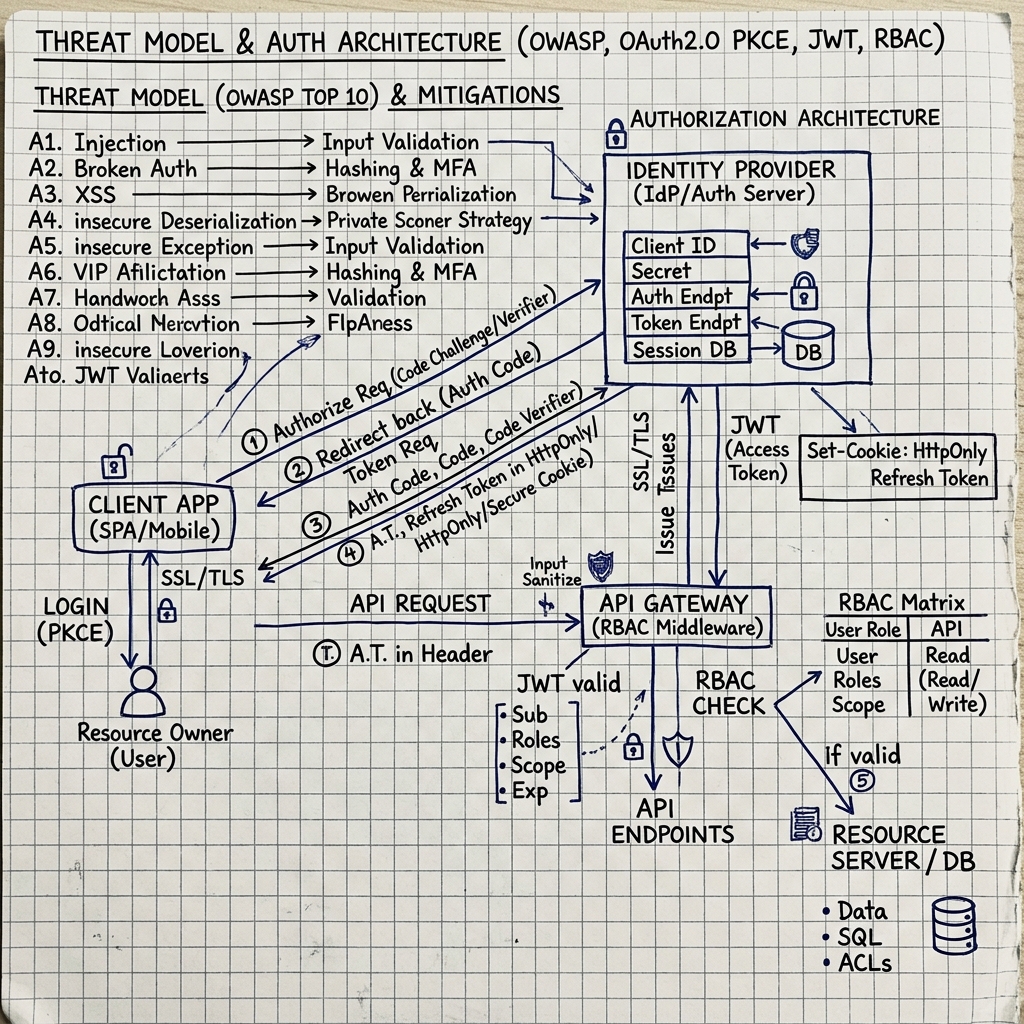
A comprehensive 5,000+ word technical guide covering OWASP Top 10 mitigations, zero-trust JWT/OAuth auth pipelines, BOLA RBAC guards, Docker/Kubernetes container security, and SOC 2 / ISO 27001 compliance.