
Designing Offline-First Field Operations Apps

How to plan local data, queued actions, conflict resolution and honest sync feedback for field teams working with unreliable connectivity.
Treat connectivity as a changing condition
A field app may be used at a construction site, inside a warehouse or while a supervisor moves between locations. A design that assumes every request will complete immediately makes the network part of every user task.
Offline-first design starts by choosing which tasks must remain useful without a connection. Reading an assigned task may be essential. Editing a centrally controlled price may require an online check. Treat those choices as product requirements rather than making every screen behave identically.
The Android architecture guidance describes an offline-first data layer using local and network data sources. That architectural principle is useful beyond Android-specific implementation details: decide where the UI reads its state and how remote updates are reconciled.
Separate a local action from a confirmed server change
If a supervisor records a material receipt, the app can save that action locally before attempting transmission. The interface should then show that the receipt is waiting to sync. A local save and a server-confirmed receipt are different states.
Use explicit labels such as “Saved on this device”, “Waiting to sync” and “Synced”. Avoid a success message that suggests the central system has received information when it has not.
Make pending actions visible in a useful place. Users need to know whether it is safe to close the app, change devices or hand over responsibility. An invisible queue may be technically sound while still creating operational uncertainty.
Give queued actions stable identities
A connection can fail after the server accepts a request but before the device receives the acknowledgement. Retrying that request can create duplicate work unless the server can recognise the same logical action.
Assign a stable identifier to the action and keep it through retries. The server should apply the relevant duplicate-handling rule to that identifier. The exact storage and transaction mechanism depends on the backend; the product requirement is that repeating the same queued action must not silently create another receipt or attendance entry.
Keep retry behaviour bounded and observable. A rejected permission check is not the same as a temporary connection failure, and repeating it indefinitely will not fix the underlying problem.
Define conflict rules by business meaning
“Last write wins” is a policy, not a universal answer. It may be acceptable for a personal note but unsuitable for stock quantities or approval decisions.
For an illustrative inventory workflow, a server may need to validate a movement against the latest central balance instead of accepting a replacement quantity from the device. A task comment may be appended independently, while changing the task’s completion status may require a version check.
Write down who can resolve a conflict and what information they need. Preserve the user’s attempted change long enough to explain the disagreement. Losing the local draft while showing “please try again” creates avoidable rework.
Plan attachments and access separately
Photographs, receipts and videos are usually larger than the structured action they support. Decide whether an action can sync before its attachment, how upload progress is shown and what happens when an upload is interrupted.
Offline access also needs a boundary. Cache only the data needed for the task, account for sign-out and device handover, and decide how long locally stored information remains useful. Do not assume that an earlier permission decision remains valid forever.
These decisions should be part of the product requirement, with engineering and operational owners involved before implementation.
Test recovery rather than only an offline toggle
A useful test sequence includes losing the connection during submission, restarting the app with pending work and reconnecting after the underlying server data changes. Also test a rejected request, an expired session and an attachment that cannot upload.
Check the operational result as well as the screen. Was there one receipt or two? Can the central team see the final state? Does the device explain what still needs attention?
Start with a small set of critical offline tasks, then expand once the recovery behaviour is dependable. My project archive includes field-operations and enterprise-system work, and the engineering section covers related architecture topics.
Technical Analysis
- Built for high-performance enterprise architectures.
- Optimized for Core Web Vitals and SEO visibility.
- Implements industry-standard security protocols.
Written by Rohit Sharma
Full Stack Developer & Technical Architect
Spread the Knowledge
Related Engineering Portfolios & Profiles
Continue Reading
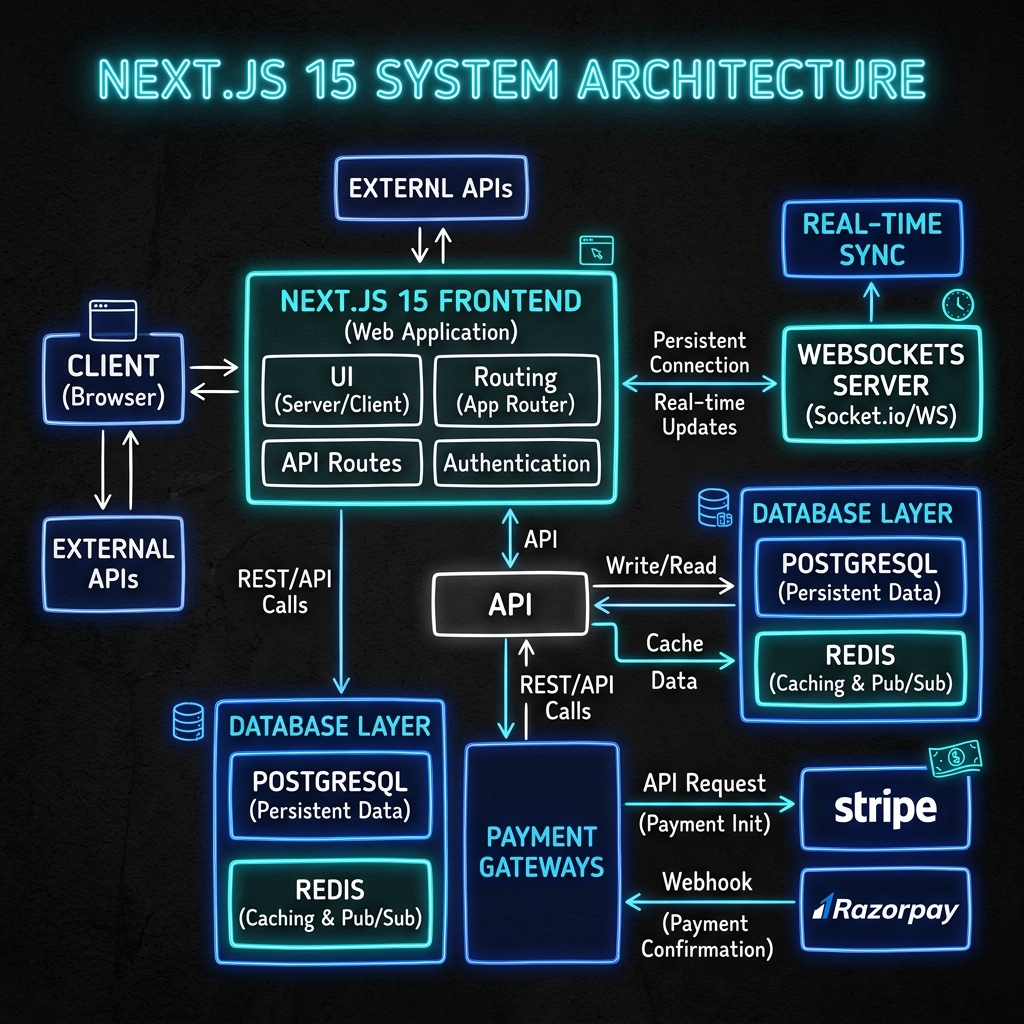
A Practical SEO Checklist for a Next.js Portfolio
A technical portfolio SEO checklist covering useful content, canonical URLs, metadata, missing pages, sitemaps and accurate article structured data.
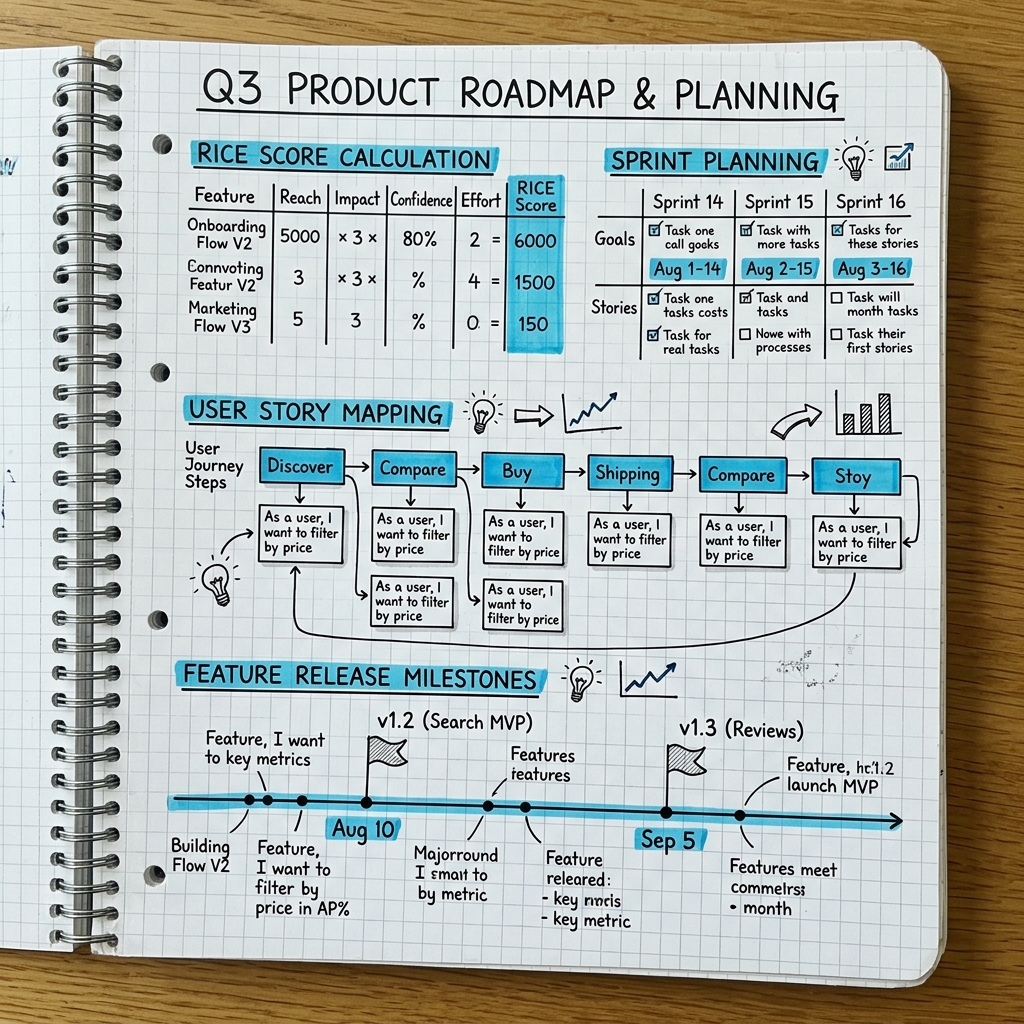
Writing PRDs Engineers Can Build: Scope, States and Acceptance Criteria
A practical approach to product requirements that connects the user problem with clear scope, state transitions, acceptance criteria and a reviewable release plan.
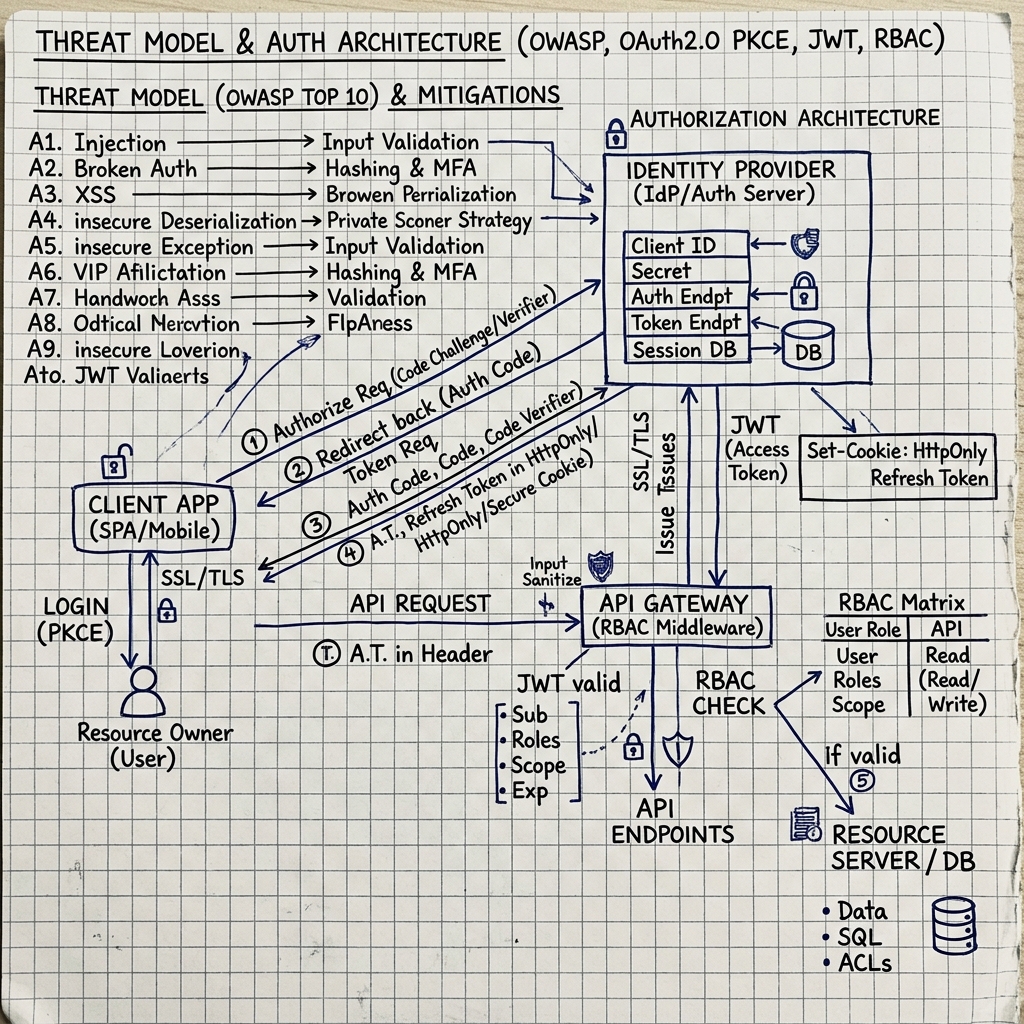
Enterprise Cybersecurity & Application Hardening: The Complete Engineering Guide
A comprehensive 5,000+ word technical guide covering OWASP Top 10 mitigations, zero-trust JWT/OAuth auth pipelines, BOLA RBAC guards, Docker/Kubernetes container security, and SOC 2 / ISO 27001 compliance.